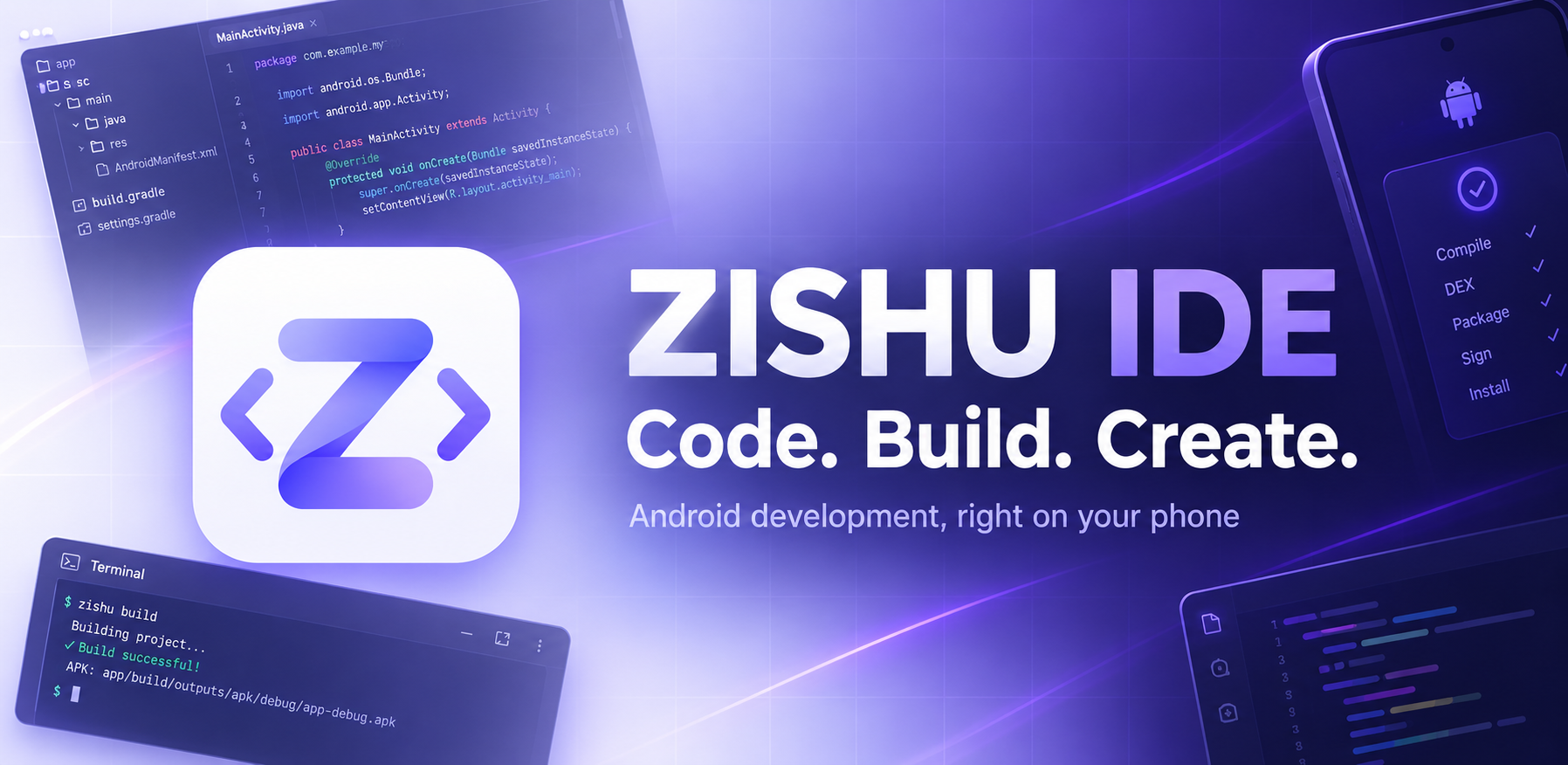
Zishu IDE: Build Android Apps on Your Phone
Zishu IDE lets you write, build, sign and install a real Android app on an Android phone, with no computer and no Android Studio. It is a single app of about 38.6 MB, and you can download it today.
Why we built Zishu IDE
Android development usually assumes a laptop, a large installation of tools and a fast connection. For many students, hobbyists and first-time developers, that is not available, and a phone is the only computer they own.
We built Zishu IDE for that situation. The goal was a tool that stays light, runs on modest phones and does the real work itself: it compiles your code, packages the APK, signs it and installs it, all on the device. Every step either produces its output or shows you the tool's own error message. Nothing in the build is simulated.
What Zishu IDE is, and who it is for
Zishu IDE is a mobile development environment for Android projects. It combines a code editor, a file explorer, a build system, a terminal and a signing tool in one app. Projects are stored in a visible ZishuIDE folder, so you can also reach them from any file manager.
It is made for:
- Learners who want to write and run their first Android apps without setting up a computer.
- Hobbyists and makers who want to turn an idea into an installable app wherever they are.
- Developers on the move who need to change a project, rebuild it and test it on the same phone.
- Web creators who want to wrap a website in a WebView app.
- Anyone with limited access to a computer, including phones that are the only device in the household.
Features at a glance
How a build works on your phone
When you tap Build, Zishu IDE runs the same kind of steps a desktop toolchain would, using tools that run on the phone itself:
- Resources. aapt2 compiles your layouts, images and strings, and the resources inside AAR libraries.
- Kotlin. If the project has
.ktfiles, the Kotlin compiler runs first. - Java. The Eclipse Java compiler (ECJ) compiles your Java code against the Android platform.
- Dex. D8 converts the classes into Android's dex format, with multi-dex when the app is large.
- Package. The pieces are assembled and aligned into an APK.
- Sign. The APK is signed and verified, then ready to install or save.
The build log shows each step and the tool's own messages. If something fails, you see the real error, for example a Kotlin compile error with its file, line and message, rather than a generic failure.
Java and Kotlin
Java. Zishu IDE compiles Java language levels 5 to 15. New projects use Java 15 by default, and projects whose build.gradle sets no level also build with 15. If a project asks for a level above 15, the build lowers it to 15 and says so in the log.
Kotlin. Zishu IDE includes support for Kotlin 1.9.24. Kotlin files are compiled on the phone together with your Java files, and projects with several Kotlin files and AndroidX or KTX libraries build, install and run. The Kotlin compiler is downloaded once and prepared for your phone once, which takes several minutes the first time. After that, Kotlin builds start from the stored files.
The Kotlin version is fixed. Features that need Kotlin 2.x, the kapt and ksp annotation processing tools, and the Jetpack Compose compiler plugin are not supported on the phone.
Libraries and first-launch setup
Zishu IDE reads dependencies from your build.gradle: implementation, api, compileOnly, runtimeOnly and debugImplementation with Maven coordinates, version catalogs (libs.versions.toml), BOMs through platform(...), exclusions, and local files through files() and fileTree. It resolves the full dependency tree, picks the highest version of each library, merges library manifests and compiles library resources.
Libraries come from Google Maven and Maven Central over HTTPS, and each download is checked against its published checksum. They are saved on the phone, so a library is downloaded once and reused by later builds.
First-launch setup. The first time you open the app, it checks what is already on the phone. If the AndroidX starter libraries (AppCompat, Core KTX, ConstraintLayout and Material) or the prepared Kotlin compiler are missing, it shows a popup with two choices:
- Download opens the built-in terminal and downloads the missing resources, showing percentage, speed and time left.
- Later closes the popup, and the app asks again next time.
The popup appears only for what is actually missing. Once everything is on the phone, it does not come back. Uninstalling the app removes these downloads, so they have to be fetched again after a reinstall.
Terminal, import and clone
Zishu Terminal. The built-in terminal understands IDE commands and passes everything else to the Android shell (ls, cat, cp and so on). Type zishu help to see the list. Useful commands include:
zishu projects,openandstatusto manage projectszishu buildandlogto build and read the build logzishu apk,apks,installanddownloadto work with built APKszishu keystore,signandverifyfor signingzishu clone owner/repoto clone a GitHub repositoryzishu setupto download the AndroidX and Kotlin resources ahead of time
Import a ZIP. A flat layout, a module without Gradle files or a project inside a wrapper folder is turned into the standard app/src/main/... layout. Missing settings.gradle, build.gradle and app/build.gradle files are generated from the manifest.
Clone from GitHub. zishu clone owner/repo downloads a ZIP of the branch you choose and imports it the same way. There is no git history and no push. Private repositories need the --auth option and a token that can read them. If a repository contains several apps, Zishu IDE imports the one with a launcher activity and lists the others.
Signing, privacy and security
Signing. Builds made on the phone are signed with a debug key that is generated on first use. The key is unique to your installation and stored encrypted by the Android Keystore. An app signed with it can be updated only by builds signed with the same key, so an APK signed with a different key will not install over it.
For your own releases, you can sign an APK with your own keystore using zishu sign. The password is asked in a masked dialog and is never saved, logged or uploaded. No signing key and no password is stored in the Zishu IDE repository or shipped inside the app.
Privacy. Your projects stay on your phone. The only network traffic is what you start: downloading libraries from Google Maven and Maven Central, cloning a GitHub repository, or running the optional cloud build. A GitHub token, if you use one, is stored encrypted on the device and sent only to GitHub's API. Zishu IDE has no accounts, advertising or analytics. Read the full Privacy Policy.
Optional cloud build
Some projects need more than the phone can build, such as Compose or annotation processors. For those, Zishu IDE can send the project to a private GitHub repository that you own, run a GitHub Actions workflow that builds it with Gradle, and download the APK back to the phone.
To set it up, create a private repository, create a fine-grained token limited to that repository with Contents, Actions and Workflows set to read and write, and enter both in Settings, then Cloud build. Keystores and the apk/ folder are never uploaded. The cloud build is optional: everything described above works without a GitHub account.
Requirements and limits
Zishu IDE needs Android 8.0 or newer and a 64-bit ARM phone. Internet is needed once to download libraries and the Kotlin compiler.
Building on the phone does not support the following. Use the optional cloud build for these:
- Jetpack Compose
- Annotation processors such as kapt, ksp and
annotationProcessor(so no Room, Dagger or Hilt compilers) - Multi-module Gradle projects (
project(':x')) - Native code with the NDK
- Dynamic dependency versions such as
1.+
When a project uses something unsupported, the build refuses it with a clear message instead of guessing.
Other things to know:
- The Java compiler handles language levels up to 15.
- Zishu IDE produces APK files. It does not produce AAB bundles and does not shrink code with R8 or ProGuard.
- The editor highlights syntax and checks structure such as brackets and quotes. Compile errors appear after a build.
- Builds with many libraries take longer the first time, because the libraries are downloaded and converted once.
Quick start: your first app
- Download the APK from the link at the end of this article and open it on your phone.
- Allow installation from your browser or file manager if Android asks, then install.
- Open Zishu IDE. When the setup popup appears, tap Download and wait for the terminal to finish.
- Create a new project, choose a template and keep Java 15 or pick another level.
- Tap Build. The log shows each step. When it finishes, tap Install.
- Edit your code, tap Build again, and install the update.
To update the IDE itself later, install the new APK over the old one. Releases are signed with the same key, so the update installs in place and keeps your projects and downloaded libraries.
Frequently asked questions
Do I need a computer? No. Writing, building, signing and installing all happen on the phone.
Does it work offline? After the first setup, Java projects and projects that use libraries already downloaded build without internet. A library you have not used before needs internet once.
Is my code uploaded anywhere? No. Your code stays on the phone unless you choose to clone from or build in your own GitHub repository.
Why does it ask to download resources? The AndroidX libraries and the Kotlin compiler are not bundled in the app. This keeps the download small, and you fetch only what you use.
Can I use Jetpack Compose? Not for on-phone builds. Compose needs a compiler plugin the phone build does not include. The optional cloud build is the route for it.
Can I publish my apps to an app store? Zishu IDE produces APK files and can sign them with your own keystore. Check the requirements of the store you are targeting, because some stores ask for AAB bundles.
Why will an app not update over an older install? An update must be signed with the same key as the installed version. Builds made with the debug key of one install cannot update an app signed with a different key.
Does it replace Android Studio? No. It covers a defined set of Java and Kotlin projects on the phone, and uses the cloud build for the rest.
Download Zishu IDE
Download Zishu IDE v0.1.0 (APK, about 38.6 MB)
All versions are on the Releases page.
com.zishu.ide